 Illustrative artwork
MOD
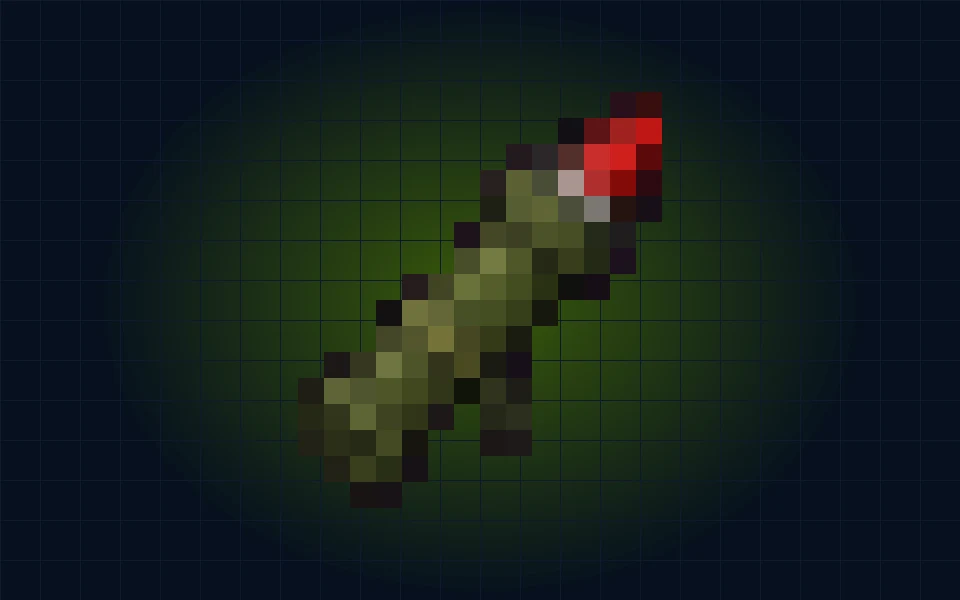
Rocket Launcher & RPG
Fire rockets at the alien Lord. Rockets ammo in the shop.
Quick guide
Find your gear. Browse weapons in the K2 Shop with coins earned in game. Weapons can also appear in Royale loot.
MINECRAFT BEDROCK · KAY2 STUDIOS
Explore cities and the Wilds. Take on the Zorg. Find your next ride or your next battle. It all starts in the same Minecraft world.
Bedrock on mobile, Windows & consoles How to join
CHOOSE YOUR NEXT STOP
 Illustrative artwork
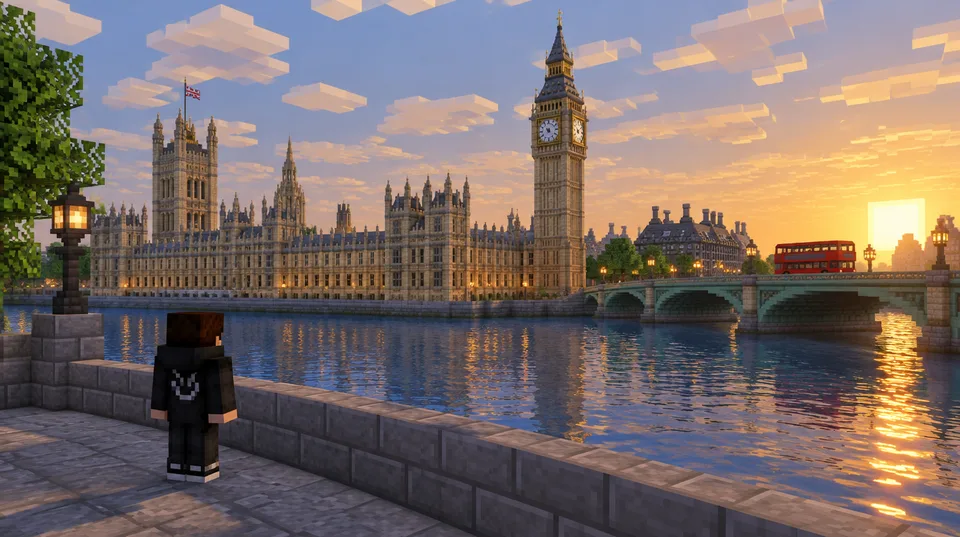
EXPLORE & BUILD
London, Manchester and the Kent coast. Find your next place to make a home.
 Illustrative artwork
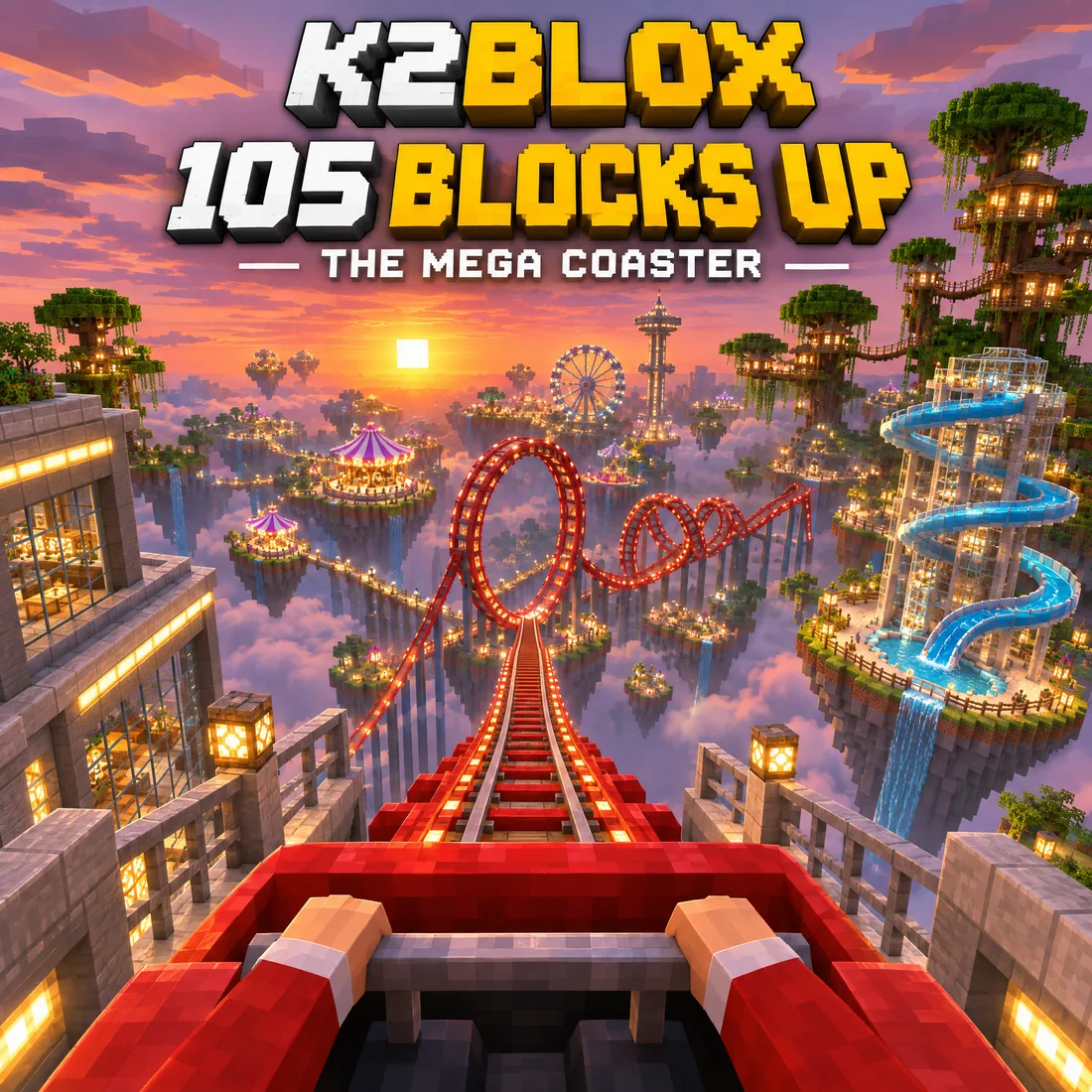
TAKE A RIDE
A sky-high coaster, waterslides and treehouses. Take a break from the battle.
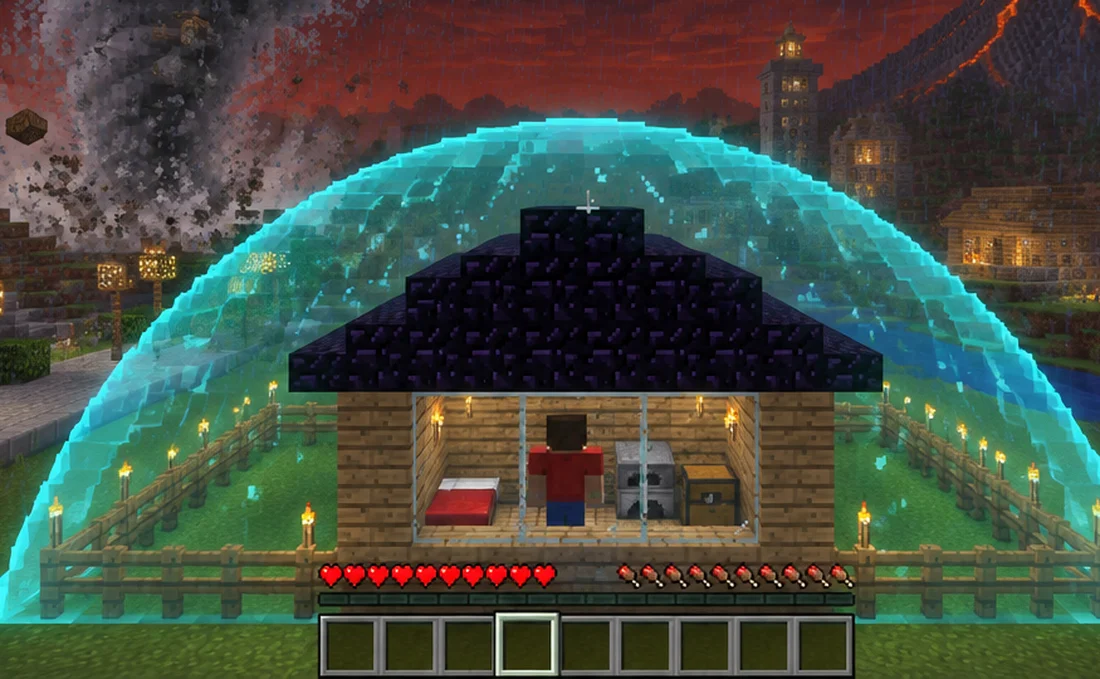 Illustrative artwork
DEFEND THE KINGDOM
The Zorg bring the storm. Gear up, find shelter and take on their Lord.
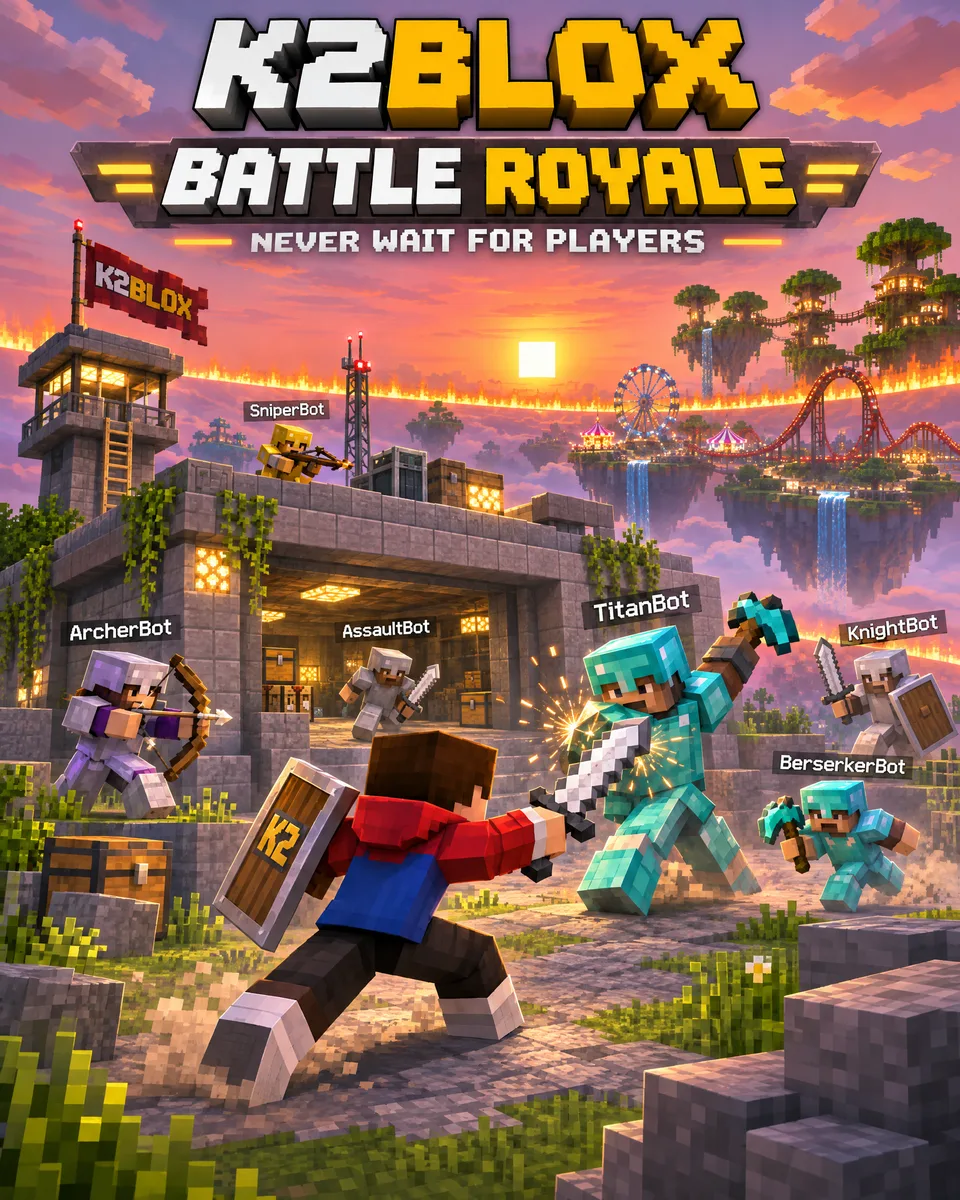 Illustrative artwork
JUMP INTO A GAME
Loot in Royale, leap between rooftops or take a fight to the floating islands.
FILL YOUR HOTBAR
Rockets, lightning and a blade of fire. Browse gear in the K2 Shop with coins you earn in game.
Illustrative artworkMOD
Fire rockets at the alien Lord. Rockets ammo in the shop.
Find your gear. Browse weapons in the K2 Shop with coins earned in game. Weapons can also appear in Royale loot.
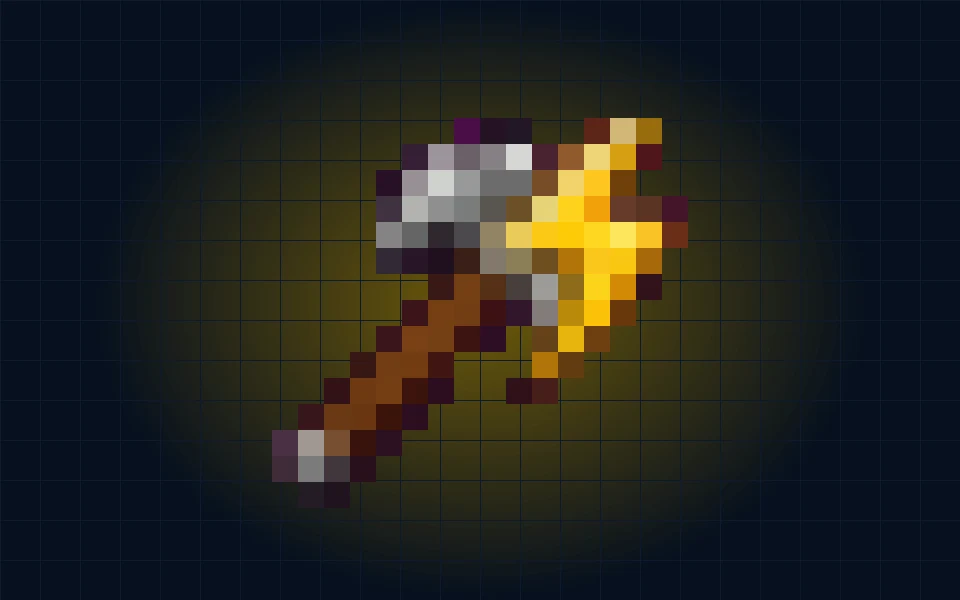 Illustrative artwork
MOD
Call lightning down wherever you aim. Hits everything near the strike.
Find your gear. Browse weapons in the K2 Shop with coins earned in game. Weapons can also appear in Royale loot.
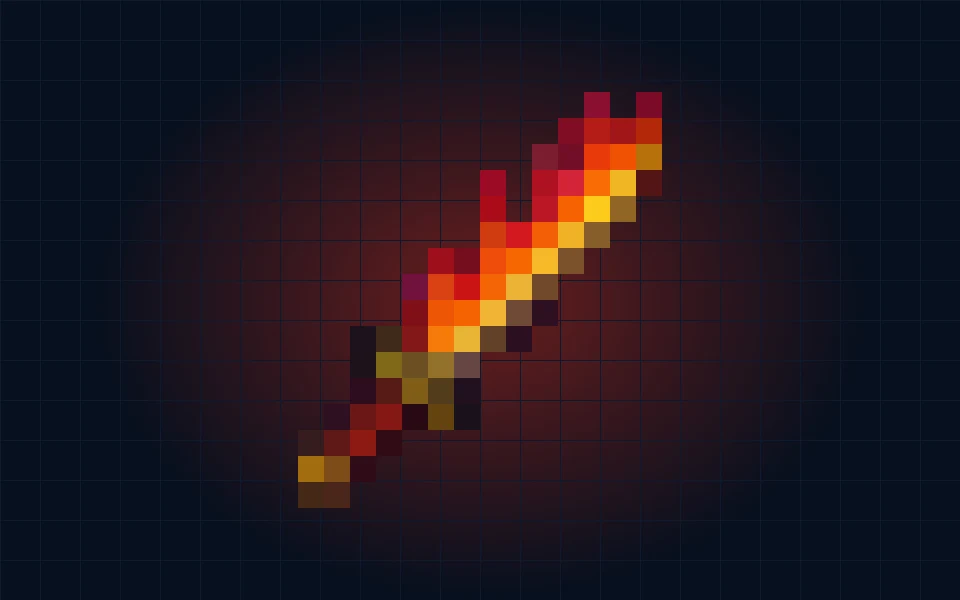 Illustrative artwork
MOD
A fire slash that sets everything in front of you alight.
Find your gear. Browse weapons in the K2 Shop with coins earned in game. Weapons can also appear in Royale loot.
Artwork illustrates the world and gear; it is not an in-game screenshot.
THE WILDS · LAKE DISTRICT
Leave the streets behind for hills, lakes and furnished hideouts. The next adventure is part of the same world.
Crouch twice quickly to open the menu, then choose your region. On a controller, double-tap crouch. No typing needed.
Explore the terrain around Keswick. Start at the centre, head into the woods or set out for the lakes, hills and mountains.
Explore furnished Wilds hideouts, climb ladders or take the stairs to upper rooms and lookout points.
Search chests for food, tools and location-themed loot. Look for hidden bunkers and ruins as you travel.
YOUR ADVENTURE STARTS HERE
New to custom servers? Check the steps for your device, then get a pass for your Xbox gamertag.
Check how to join£3 a month, tied to your Xbox gamertag.
Sign in with the link sent to your email.
Your active pass unlocks the server details and joining guide.
BEFORE YOU JUMP IN
Consoles need an extra connection step for custom Bedrock servers. Check the How to join guide for your device before getting a pass.
Each player needs their own pass for their own gamertag.
Bots are marked [BOT]. They can fill empty spots in supported games and give tips around the world. They are not other players.
Crouch twice quickly (or click the right stick twice on a controller) to open the K2 MENU. SHOP is the first button. You can also walk up to a SHOP bot at the Kingdom gate.
Yes. Everything is in the K2 MENU: no typing needed. Crouch twice quickly to open it.
You do not need to find and install a separate mod pack. Minecraft may ask you to download the server’s resource pack when you join.
Weapons, gear and cosmetics, bought with coins earned by playing. The pass page lists the coin bonuses and other perks included with your subscription.
Open your account page and press Manage billing. You keep playing until the paid month ends.